

Help & Support
Customer Support, Help and Advice. Customer Hub
Check your Wildanet connection and troubleshoot with quick fixes in the customer hub.
Try these simple checks if your service isn’t working.
Still having issues? Our Cornwall-based support team is always on hand to help.
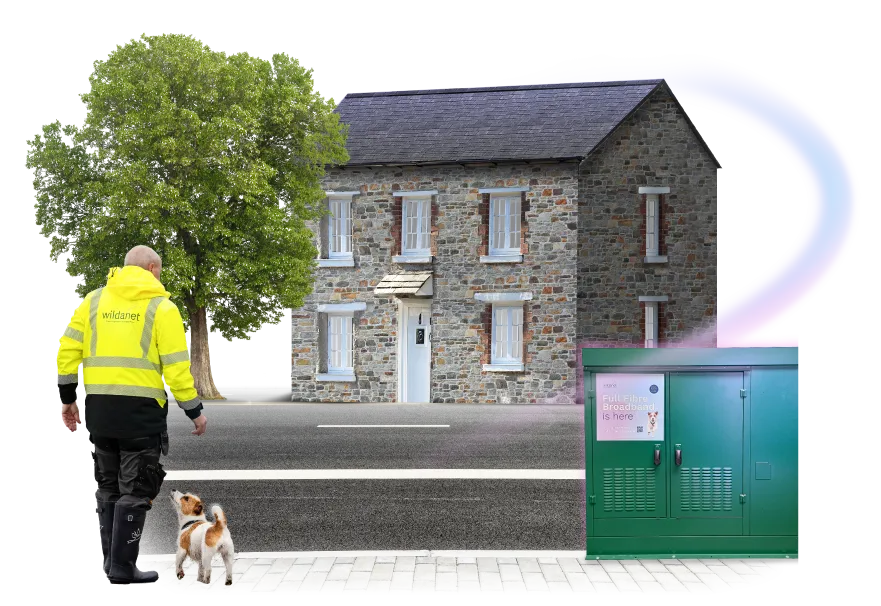
I need help with...
Useful Guides
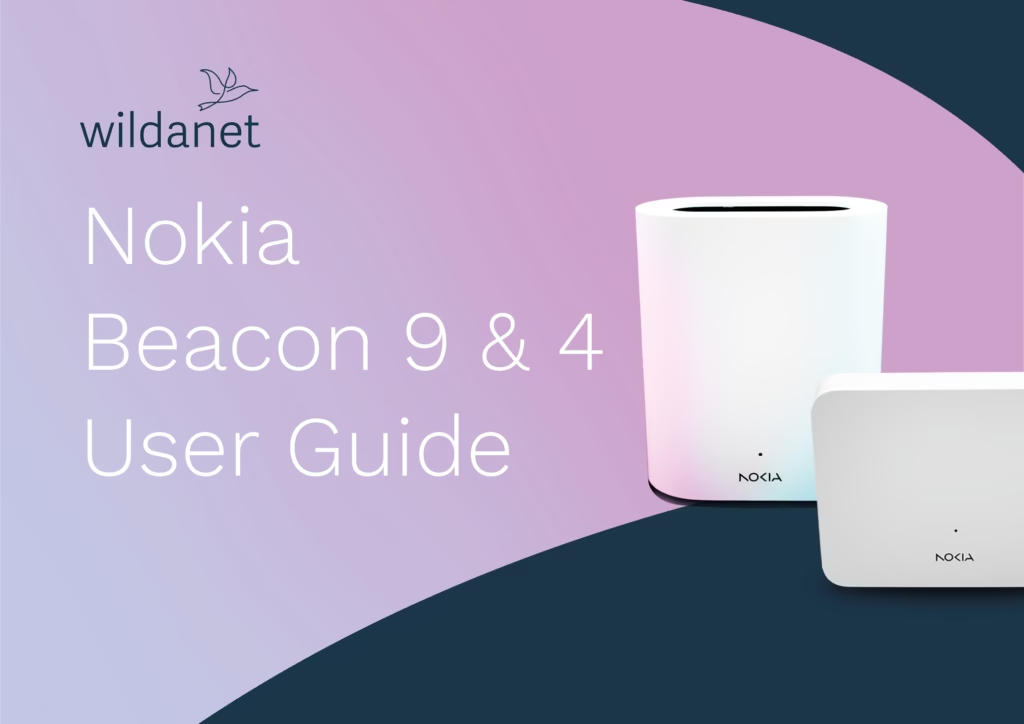
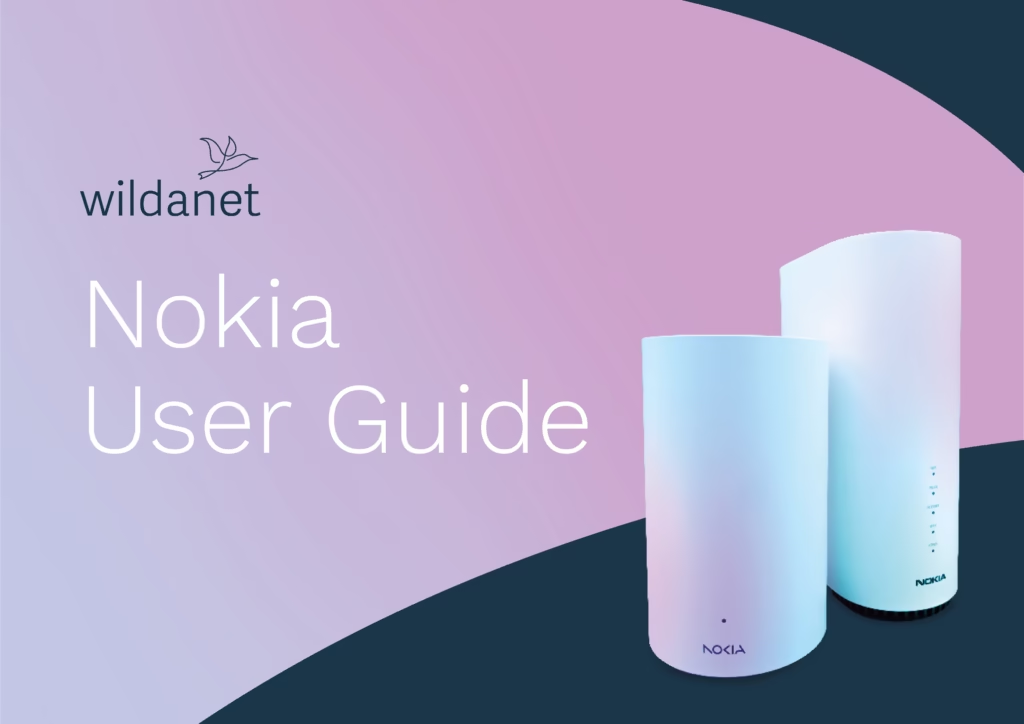
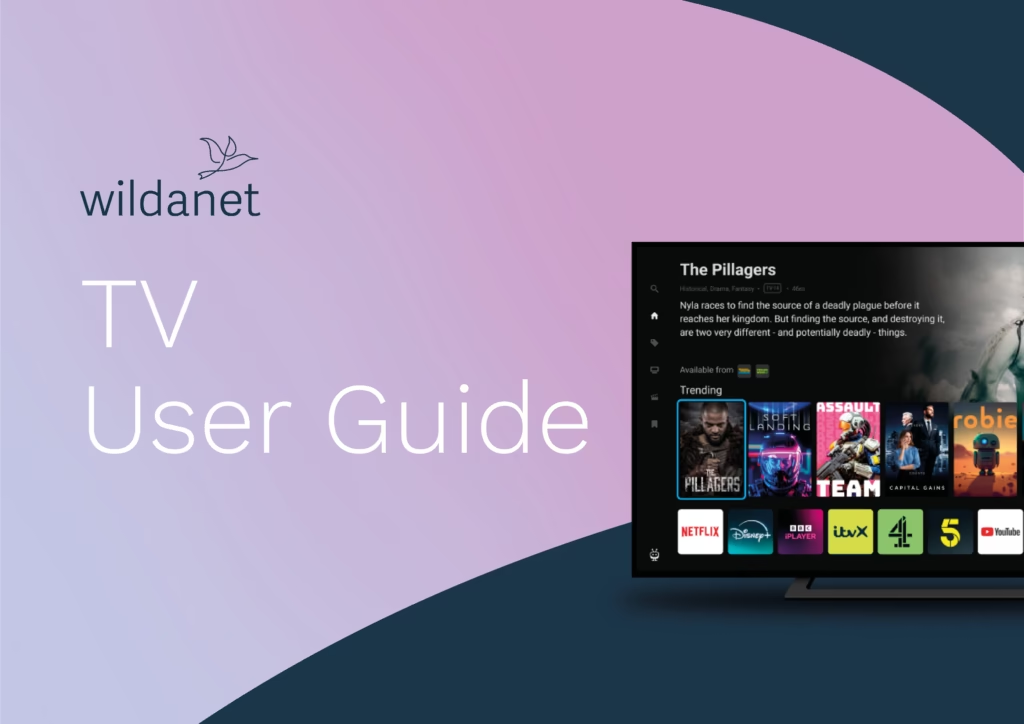
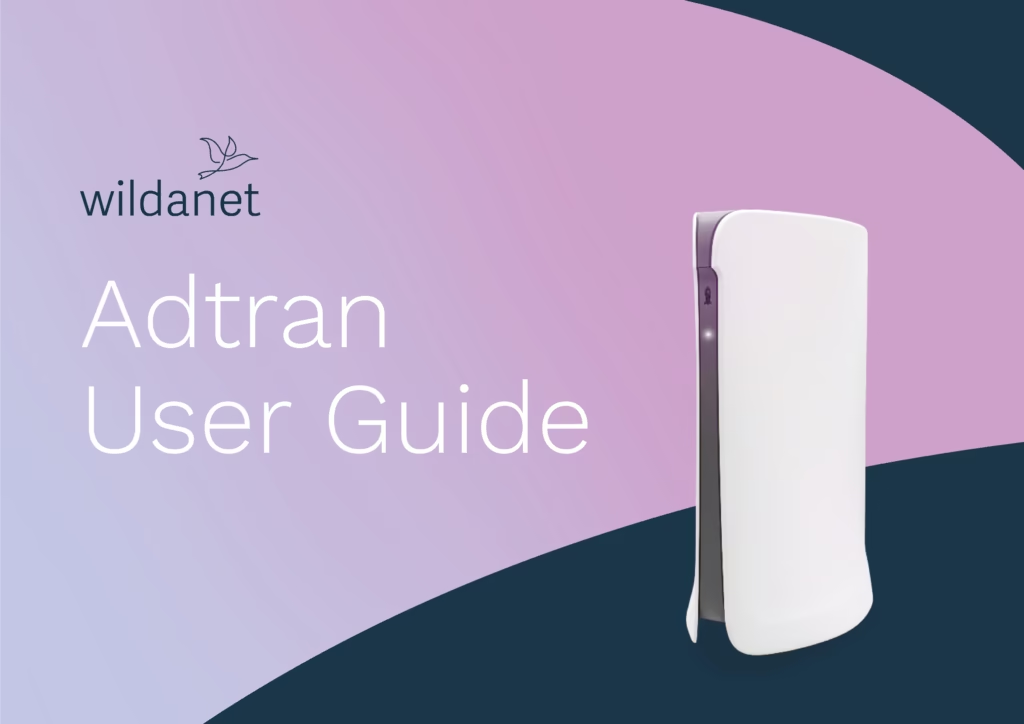
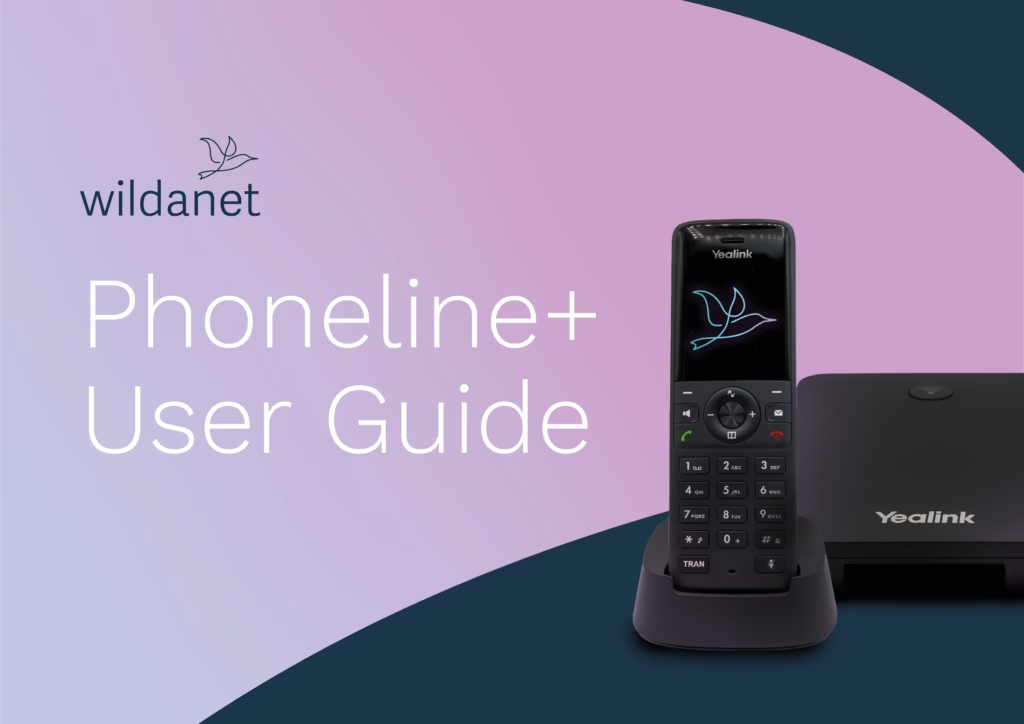
Our full detailed guides for your Router, Wildanet TV and Phoneline+ equipment
Popular Articles
Hot off the press, take a look at our entire collection of blogs guides and news.


General FAQ's
Mesh WiFi systems help boost your speeds and/or fill in coverage gaps around a property.
A mesh network consists of a router and one or more mesh satellites that work together to provide coverage. Connected devices (e.g laptop or mobile phone) are then automatically sent to the mesh device with the strongest signal. By placing mesh devices in different parts of the house, they can prevent dead spots and provide better coverage.
All these platforms will work perfectly on our network without interruptions or buffering (say goodbye to that spinning circle).
Smart home devices such as Amazon Alexa / Google Home are compatible with our broadband services. CCTV may require a Public/Static IP to allow remote access. Discuss your requirements with our Sales Team by calling 0800 0699906 or email [email protected]
Yes we do, offering a 10% discount for Blue Light holders. Explore the full information on the discount and how to apply.
Tree decorated, fairy lights up, and your favourite film on TV makes for a great Christmas but don’t let your decorating enthusiasm compromise your connectivity.
We’re not saying you need to go Grinch with your baubles but here are some tips to help keep your WiFi signal strong:
- Routers and boosters work best in open spaces so don’t hide yours under the presents pile or behind the tree
- Fairy lights, like any electrical items, can impact WiFi signal so if you’ve gone big with your illuminations it’s something to consider. Poor quality flashing lights are the worst culprits so if you needed an excuse to buy some new LED ones here it is!
- Tinsel (the metallic kind) can cause interference too if it’s wrapped around devices. Tasteful tree tinsel shouldn’t impact your streaming but like the glasses of fizz, best to keep an eye on the amount…
- Loafing teenagers glued to their phones and refusing to join in the games? Can’t help with that one. That’s what WiFi’s for!
Installation
As we are using a wireless connection and not the cable coming into your property, you’ll need to contact your existing supplier and cancel services.
Typically, we can get you up and running within a few weeks from order if you’re within our coverage areas. If you happen to fall out of our existing network area, we’ll keep you updated with our expansions in your area.
This will depend on your property and the build internally. Wireless signal can be blocked by thick walls, glass, objects and the distance it needs to reach. Generally, coverage will reach all locations in a small to medium-sized property.
Wildanet can only guarantee speeds and service to the router location. If you believe that you may need some extra requirements for coverage, please contact us and we will be able to help and make recommendations to help cover your full property with high speeds.
Connection & Speeds
We guarantee our speed direct to the property as it is our own network. At this point, your speed will depend on how many other users are online at a given time.
Great news! – All our packages come with unlimited data usage so you can stream and download to your heart’s content. Our Fair Usage Policy can be accessed here
If you notice your service isn’t working, there are a couple of things you can do and check before contacting us:
- On the Front of your router check to see if the Internet light is on – (Blue LED for Nokia Beacon) – (White LED Adtran) – Red or Amber for Both equipment means no internet service. – If no service next step is to check the ONT – (Small square device attached to the wall). This also should display green active LEDS. Anything other will indicate a fault.
If no lights or Amber/Red LEDs please check the following.
- Check the power cable to the router and ONT that they are plugged in and turned on – Lights on devices illuminate.
- Ensure Ethernet cable from ONT – (Small square device attached to the wall) – Is connected to the WAN port of the router and clicked into place.
Next steps
- Please power cycle your ONT and Router by switching them off and back on after 30 seconds. This can be done by either removing the power cables out of the back of the devices or turning them both off and on at the wall socket.
Once the devices have been power cycled, please wait up to 5 minutes for service to be restored.
If all the above has been checked and you are still presented with a Red/Amber light on the router or ONT please call customer services on 0800 0699906
To get an accurate read of speeds into your router you need to test using a device connected directly to the router via an ethernet cable.
There are several things that could limit speeds on WiFi:
- Walls, furniture, and other physical barriers
- Electronic devices such as microwaves and cordless phones operating on the same frequency can also cause interference
- The further you are from the router, the weaker the signal and the slower the speeds
- Devices with older WiFi standards may not be capable of handling the full speed of your new fibre broadband connection
- Multiple devices connected to the same network can lead to congestion, dividing the available bandwidth and slowing speeds
- Streaming, online gaming, and large downloads consume significant bandwidth, affecting overall speeds
Optimising WiFi Coverage
- Place the router in a central, open location in the home
- Move closer to the router
- Use Ethernet cables for critical devices like gaming consoles or work computers to ensure maximum speed
- Disconnect devices not in use
- Schedule large downloads for off-peak times
- Add Wildanet WiFi Boosters to help get wider coverage
Read our article on how to test your internet speeds here.
Disclaimer: Wildanet only guarantee speeds provided up to the router. Due to many environmental variables, Wildanet do not guarantee speed, and coverage to devices connected over WiFi.
WiFi operates on different frequency bands, with 2.4 GHz and 5 GHz being the most common.
2.4 GHz: This band is slower but has a longer range. It’s better at penetrating walls and obstacles, making it ideal for larger homes or areas with lots of interference. However, it can be more crowded since many devices (like microwaves and baby monitors) also use this frequency.
*Speeds on 2.4GHz are limited up to Circa. 120Mbps
5 GHz: This band offers faster speeds and is less prone to interference, but it has a shorter range. It works best for activities that need higher bandwidth, like streaming HD video or gaming, especially in smaller spaces.
*Speeds on 5GHz are limited up to Circa. 800Mbps
In short, 2.4GHz is better for coverage, while 5GHz is better for speed but at shorter distances.
Any testing on WiFi will have varied results this will be due to device age, specification, device WiFi standards and environmental variables (walls, insulation etc.)
Find out more about maximising your WiFi signal using our WiFi Boosters
To keep your new high speeds up around your home you might need WiFi Extenders to enable this. Unlike your old copper connection – Wildanet’s Fibre broadband runs at much higher speeds. But with this new speed you need modern devices (phones, laptops etc.) to support this around your home.
If you’re getting a good WiFi signal in the same room as your router, but are struggling to get the same speeds in other parts of the house, you might need our mesh WiFi solution.
Different materials near a router can also affect the quality of the signal. For example, placing the router on a metal surface or against a metal wall may cause problems. Signals can travel through wood, glass and plasterboard easily, but metal, brick, stone and foil back insulation will block the signals.
Static IPs
An IP address is a unique number assigned to every device on the internet, allowing them to find and communicate with each other. As there’s a limited number of these addresses, Internet Service providers like Wildanet allocate and reallocate the pool of IP addresses to their customers as and when they need them.
A Static IP is a fixed, unchanging IP address assigned to your connection. Unlike a dynamic IP that changes periodically, a static IP remains the same every time you connect.
Static IPs are helpful for:
- Remote Access: making it easier to access your devices, servers, or CCTV systems from anywhere.
- Hosting Services: Run websites, email servers, VPNs and gaming servers with minimal interruptions.
- Improved Security: Configure firewalls and access controls more effectively.
- Reliable Continuous Connectivity: Essential for businesses that require stable connections for VoIP or cloud services.
- Resolving NAT Issues: Removes an extra network translation layer.
- Gaming: More stable and faster connections to game servers.
- Professional Hosting: Host your own applications or services.
- Better Integration: Seamless connection to corporate networks and remote offices.
- Enhanced IT Management: Easier troubleshooting and monitoring.
- Dedicated IP addressing: Ideal for hosting servers, VPN access and remote access.
Home user benefits include:
- Smart Home Access: Connect securely to home systems remotely.
- Gaming & Streaming: Reduce latency and improve stability for online gaming.
- Personal Servers: Host your own media or file server.
Yes. Our team will help you with the setup and guide you through the entire process, no technical skills needed.
For a small monthly cost, you can rent an IP address from us, to do this, please contact our sales team for both Business & Residential packages on 0800 0699906
As they create a constant, predictable address, hackers can discover and exploit weaknesses more easily. Customers with a Static IP Address should therefore ensure they have robust security measures in place to keep their network secure.
Outages, Updates & Security
The equipment provided to you by Wildanet, the configuration (settings) and the installation process ensure that your service is set up securely according to industry standards.
We advise you to change your password following installation and to keep those details protected.
If you need to share your WiFi details we recommend using one of our Boosters which comes with an easy-to-use App.
If you introduce other equipment into your network (own bought mesh wifi for example) you are responsible for any security associated with this.
You are responsible for activities that take place using your broadband whether done by you or a third party (Please refer to your T&Cs for details).
In the unlikely event there is a Wildanet network outage (a power failure or storm damage to our equipment for example) we will send you an email, SMS or both. We will then send updates, and once restored, we will confirm everything is back to normal.
You do not need to do anything to restore service to the equipment at your home – this will happen automatically.
If you do experience an outage please do not reset your router by pressing the reset button without being asked to, it will reset settings which will remove any changes you’ve made (such as pairing to your smart TV or Alexa) or settings that we deliberately set up for you (for example to pair with SuperPods) and WiFi Credentials.
All equipment provided by Wildanet will be updated remotely (without us needing to visit your property) as and when necessary. If this involves any downtime we will contact you in advance, and will always try to do this in low usage times (typically night time/very early morning).
The new Fibre network provided to your home is Wildanet’s and is using the latest state of the art technology which is monitored 24/7.
Our constant in-house monitoring ensures that any updates are done in controlled conditions and rarely negatively impact our customers. If we anticipate any interruption to your service we will notify you in advance with details.
In the rare event there is a short service disruption, you will not need to make any changes to your equipment locally.
Business
We offer a variety of symmetrical and asymmetrical broadband packages tailored to businesses of all sizes. As your business grows, we can scale your package to meet evolving needs.
If fibre to the premises (FTTP) isn’t available at your location, don’t worry, we have alternative connectivity solutions to get you online.
Managing multiple business sites or a larger operation? We’ve got you covered. Contact our business team today at 0800 0699906 or email [email protected] to check availability for your property.
- Asymmetrical: Higher download speeds than upload speeds.
- Symmetrical: Equal download and upload speeds (subject to survey and testing).
Symmetrical broadband is ideal for businesses that frequently upload large files, such as graphic designers, content creators, and music producers.
Need help choosing the right fit? Our friendly business team is here to help at 0800 0699906 or [email protected].
Yes! We provide a range of telephony solutions suitable for small businesses and larger enterprises, including features like call recording and call transferring. One of our business team will be able to guide you through the best options for your setup and can get this added on for you at a later stage if needed.
If you need to extend Wi-Fi coverage across your premises, we offer managed mesh Wi-Fi solutions designed to eliminate weak signal areas. Speak with our business team for tailored recommendations.
Our SLAs (Service Level Agreements) define the timeframes for our support team to receive, respond to, and resolve any connectivity issues if these should arise. We offer multiple SLA tiers to suit different business needs; your local account manager can walk you through the options or upgrade you if you’re looking for an enhanced service.
All users within your business must be on the same license type. Mixing different license types (e.g., some users on Phoneline+ Standard and others on Phoneline+ Office) is not supported.
You can upgrade your license, but all users on your account must move to the same license type. Please note that Phoneline+ does not allow downgrades once your contract has started. If you’d like to explore changing your package, contact your Business Development Manager for more details.
Equipment & WiFi
When you sign up, we’ll install equipment that works on our full-fibre network — in most cases a Nokia router (such as the Beacon 9 or Beacon G6) capable of delivering gigabit speeds. After installation, you’ll find your network name (SSID) and password printed on the router, and you can manage everything via the “Nokia WiFi” app. For more information see our Equipment Guides & Quick-Start Guide (PDF included).
You’ll need to use the router we install, because it’s pre-configured to work with our network architecture (ONT + full fibre connection).
For full device details see our Equipment Guides & Quick Start Guide.
Mesh WiFi (also called WiFi ‘boosters’) extend your network into hard-to-reach corners of your home. We offer mesh additions (such as extra Nokia Beacons) and a full set up is explained in our guide. For details and setup instructions, see our WiFi Boosters page or download the Quick-Start Guide PDF.
Yes, some of our routers do. Our latest Nokia routers support WiFi 7, giving you faster wireless speeds, lower latency and improved performance when multiple devices are connected – you will have access to WiFi 7 with our Beacon 9 router and Beacon 4 mesh system. If you have a Beacon G6 or a 3.1 mesh, you will be on WiFi 6.
To get the most from WiFi 7, your device also needs to support WiFi 7. Older devices will still connect and work as normal.
WiFi 7 is the next generation of WiFi technology. It can deliver faster speeds, lower latency and better performance when lots of devices are connected at once.
Our new Nokia WiFi 7 routers are designed to make better use of higher-speed broadband, particularly when you’re using compatible WiFi 7 devices.
You don’t need to upgrade all your devices. Wi-Fi 6 and older devices will still connect to your router.
Pricing & Offers
Yes – we offer a number of discounts and special offers, including a dedicated Blue Light Discount for emergency services personnel and a Social Tariff for eligible households. Please check for criteria and application details.
If you join under an introductory price plan, your monthly rate may increase after the initial period (for example after 12 or 18 months). You’ll receive a notification in advance of any price change. For full terms see our Terms & Conditions.
Coverage & Availability
You can check availability by entering your postcode at our Availability Checker page. This will tell you whether our full-fibre network covers your property or if it’s scheduled to be built.
If your address currently falls outside our coverage, you can register your interest on our locations page. You can also explore alternative broadband options until our network is ready.
We cover many towns and villages across Cornwall, Devon and the wider South West – see our Coverage Map page for the latest build-areas and coming-soon zones.
Moving House / Re-installation
Yes, as long as your new address falls within our network area we can transfer your service. Simply contact us as soon as you have a confirmed move date for next steps. Our team will arrange re-installation or re-activation if needed. If you sign up to a new 24-month contract for your new address, then we will waive any early termination charges for your old connection at your old address. See our Terms & Conditions for full details.
It depends on which package you take for your new property and how complicated the installation may be. For a like-for-like transfer (within our network) costs are typically minimal and may even be waived if you sign a new 24-month contract. Contact our team for more information relevant to your specific circumstances.
If your new address isn’t within our current network coverage, we won’t be able to transfer your service. Just send us evidence of your move and we’ll cancel your account without charging any early termination fees. We can also add you to our “register your interest” list and get in touch if Wildanet FTTP coverage becomes available at your new address.
Tree Planting & Partnership with Plant One Cornwall
We have committed to planting a tree for every home or business we pass while building our Full Fibre network. This forms part of our sustainability pledge to promote biodiversity and reduce carbon emissions.
We’ve teamed up with Plant One Cornwall for local projects and Eden Reforestation Projects and Tree App for international projects. Together, we’ve already planted over 36,000 trees.
In Cornwall, we planted 4,000 trees at Cabilla Cornwall on Bodmin Moor (Plant One), one of the UK’s last temperate rainforests. This is part of a big plan to restore these rare habitats.
Temperate rainforests used to cover 20% of the UK, now less than 1% remains. By planting trees, we’re helping wildlife, improving water systems, and fighting climate change.
- From Jan 2024 to end of Dec 2025 Wildanet has directly contributed to the restoration and ongoing management of 20,000 m² of temperate rainforest. With Plant one they have planted 2000 trees of the following native and locally appropriate species: • English Oak • Sessile Oak • Rowan • Hazel • Wild Cherry • Downy Birch • Alder • Aspen • Scot’s Pine
- Each tree planted receives full care for at least 7 years including manual weeding to minimise competition; bracken management; replacement of unsuccessful trees within three years and replacement of guards and stakes as required.
It supports Cornwall’s Forest for Cornwall project and the goal to be carbon neutral by 2030.
We’re planting another 1,000 trees in 2026 with Plant One and aim to repeat with the contribution of 1,000 trees each year.
We want to be the greenest internet provider in the South West and eventually become carbon neutral by 2050 as part of our Carbon Reduction Plan. It’s all part of our commitment to a better future.
Can't find what you're looking for?
Get help from our Cornish-based team



Policies
You can find our key policy documents here: