


There are ways to improve your broadband performance, both by optimising your home setup and by exploring better connectivity options. This guide breaks down what you can control and where upgrading your connection may be the best solution.
Understanding the Problem
Before making any changes, it is important to identify where the issue is. If it is a network issue, then the broadband itself is slow, which is common in rural areas. If it’s a Wi-Fi issue, it means your connection isn’t the issue, your home set-up is limiting your performance.
How to check:
- Run a speed test next to your router (using a wired connection if possible)
- Then test again in different rooms
If speeds drop significantly across your home, it’s a Wi-Fi problem.
If speeds are slow everywhere, it’s likely a network limitation.
Upgrading Your Broadband Infrastructure
In many rural areas, older copper-based connections struggle to deliver fast speeds, especially over long distances.
Consider upgrading to:
- Full Fibre (FTTP) is the fastest and most reliable option where available
- Fixed Wireless Access (FWA) delivers broadband via radio signals
- 4G/5G home broadband is useful where fibre isn’t yet accessible

Optimise Your Router Placement
Wi-Fi signal strength is heavily affected by where you place your router.
You must make sure to place your router centrally in your home, keep it elevated and avoid any obstructions like thick walls, metal objects, and large appliances.
Poor placement can significantly reduce speeds, even if your broadband connection itself is fast.

Upgrade Your Router and Equipment
Older routers often can’t deliver modern speeds or handle multiple devices. When you join Wildanet, we provide a router as part of your installation, ensuring your connection is set up for reliable performance from the start.
However, in larger rural homes or properties with thicker walls, additional equipment may be needed to achieve the best possible coverage. Even with a high-speed connection, Wi-Fi signal strength can vary between rooms.
Consider enhancing your setup:
- Mesh Wi-Fi systems for consistent, whole-home coverage
- Wi-Fi boosters to extend the signal into weaker areas
Mesh systems can be particularly effective in rural properties, where layouts and building materials can impact Wi-Fi performance. We can help ensure your home setup is optimised so you get the most from your broadband connection.
Reduce Interference and Network Congestion
Rural homes may have fewer nearby networks, but interference can still come from too many connected devices.
Quick fixes:
- Switch between 2.4GHz (better range) and 5GHz (faster speeds) bands
- Disconnect unused devices
- Change your Wi-Fi channel via router settings
Use Wired Connections Where Possible
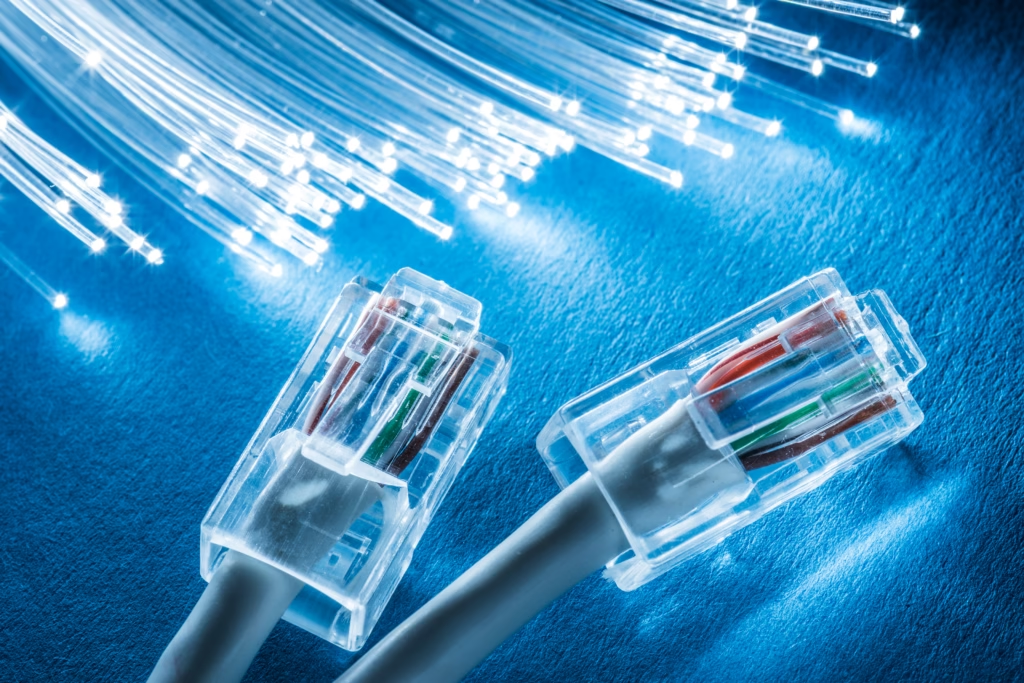
Wi-Fi is convenient, but it’s not always the most reliable. For activities like streaming in HD/4K, gaming and video calls, use an Ethernet cable for a more stable connection. This removes interference and ensures you’re getting the maximum available speed from your broadband line.
Install Wi-Fi Extenders or Mesh Systems
If your connection is strong near the router but weak elsewhere, extending your network can help.
Options:
- Wi-Fi extenders: boost signal in specific areas
- Powerline adapters: use your home’s electrical wiring
- Mesh systems: provide seamless whole-home coverage
Mesh is generally the most effective long-term solution for larger rural homes.
Check for Background Usage
Slow speeds aren’t always caused by your connection; sometimes, it’s how it’s being used. There may be things running in the background that you are unaware of, that may cause slow speeds. This can include automatic software updates, cloud backups, and streaming on multiple devices.
What to do:
- Schedule large downloads outside peak times
- Monitor usage through your router or ISP app
Set Realistic Expectations in Rural Areas
Even with optimisation, your speeds are ultimately limited by available infrastructure.
That’s why choosing the right provider is critical. Rural-focused providers like Wildanet actively invest in full fibre networks designed specifically for harder-to-reach locations. If you’re in a rural area and struggling with slow speeds, it may be time to explore future-ready solutions built specifically for your location.
Frequently Asked Questions
How to Increase Internet Speed in Rural Areas?
Improving internet speed in rural areas starts with identifying whether the issue is your broadband connection or your Wi-Fi setup. If speeds are slow everywhere, upgrading to full fibre, fixed wireless, or 4G/5G broadband can make the biggest difference. If the issue is within your home, improving router placement, upgrading equipment, or using wired connections can help optimise performance.
Do Wi-Fi Boosters Work in Rural Areas?
Wi-Fi boosters can improve coverage in your home, but do not increase your actual internet speed. They are useful if your connection is strong near the router but weak in other areas. If the broadband itself is slow, a booster will not fix the issue. In larger rural homes, mesh systems are often a more effective solution.
What Is the Best Way to Get High-Speed Internet in Rural Areas?
The best option is full fibre (FTTP), which offers the fastest and most reliable speeds. If that is not available, fixed wireless or 4G/5G broadband can be suitable alternatives, depending on coverage.